
Consent & Withdrawal
This page is written for people who submitted a testimonial through LobHub. It explains what consent means, how the personal management link works, and how to withdraw consent.
Your consent
Before submitting, you choose where your testimonial may be published: website, social media, and/or print. Without a selected channel, the testimonial is not published. Your consent is documented with the text version and a timestamp (Art. 7 GDPR) and can be withdrawn at any time.
Your personal management link
After submission, the thank-you page shows your personal management link once (format: app.lobhub.de/my-testimonial/…). For security reasons it is not shown again — save it as a bookmark, screenshot, or copy. The link lets you view the testimonial, check its status, and withdraw consent without creating an account.
Lost your link? Simply contact the company you gave the testimonial to — it can record the withdrawal for you in its LobHub inbox.
View testimonial and status
The management page shows whether the testimonial is under review, published, or rejected.
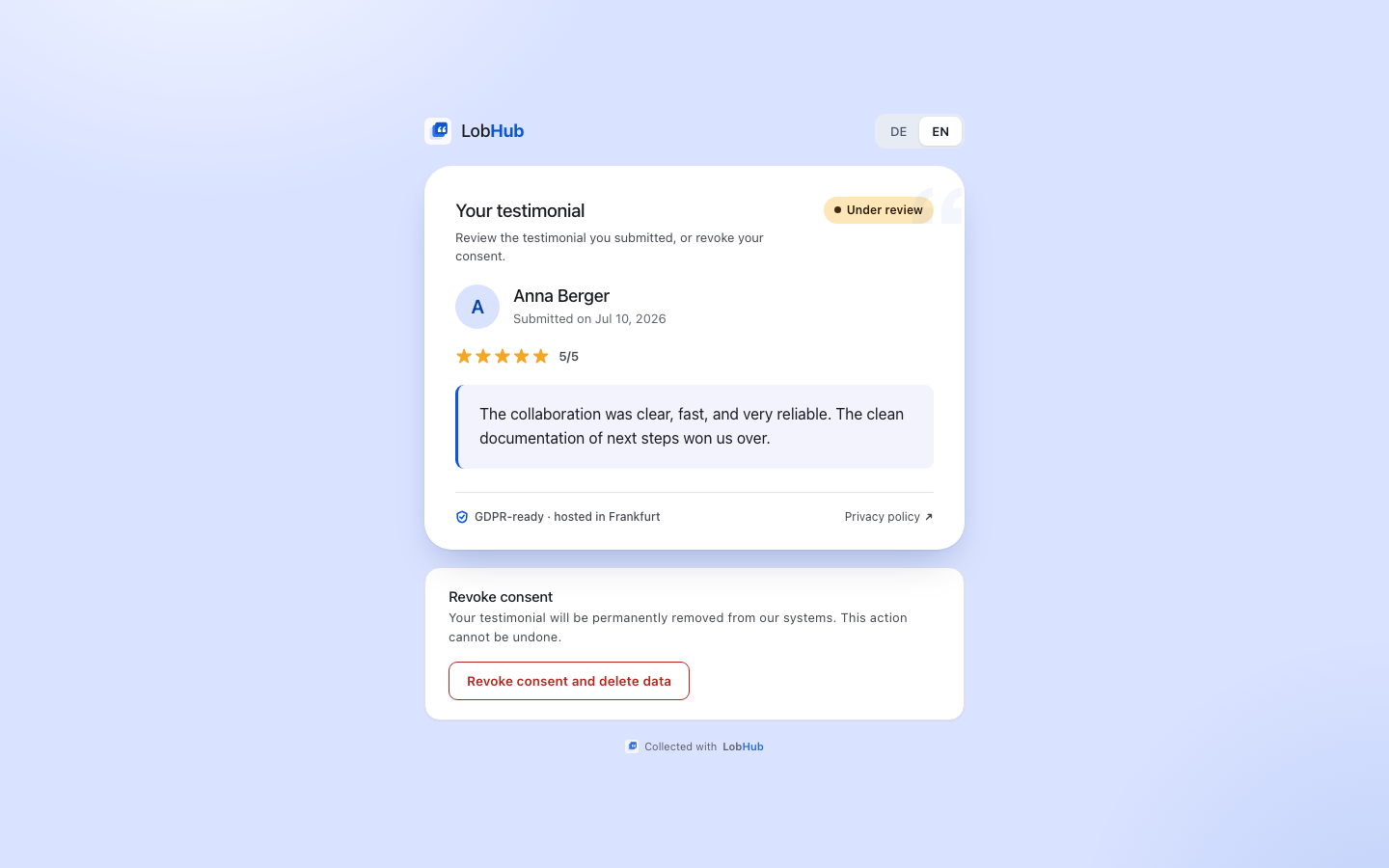
Withdraw consent
Open your management link
Use the link shown after submission.
Select “Withdraw consent and delete data”
Confirm the deletion in the dialog. Withdrawal applies to the testimonial as a whole and cannot be undone.
Done
LobHub deletes the testimonial from the database and all widgets — embedded websites usually update within about a minute (CDN cache). The workspace owner keeps only a deletion record in the audit log.
Your GDPR rights
Withdrawing consent implements your right to withdraw (Art. 7(3) GDPR) and your right to erasure (Art. 17 GDPR). For access or correction requests, contact the company that collected the testimonial — it is the data controller. Details in the privacy policy.
Last updated: July 2026